Number of Entries per Page
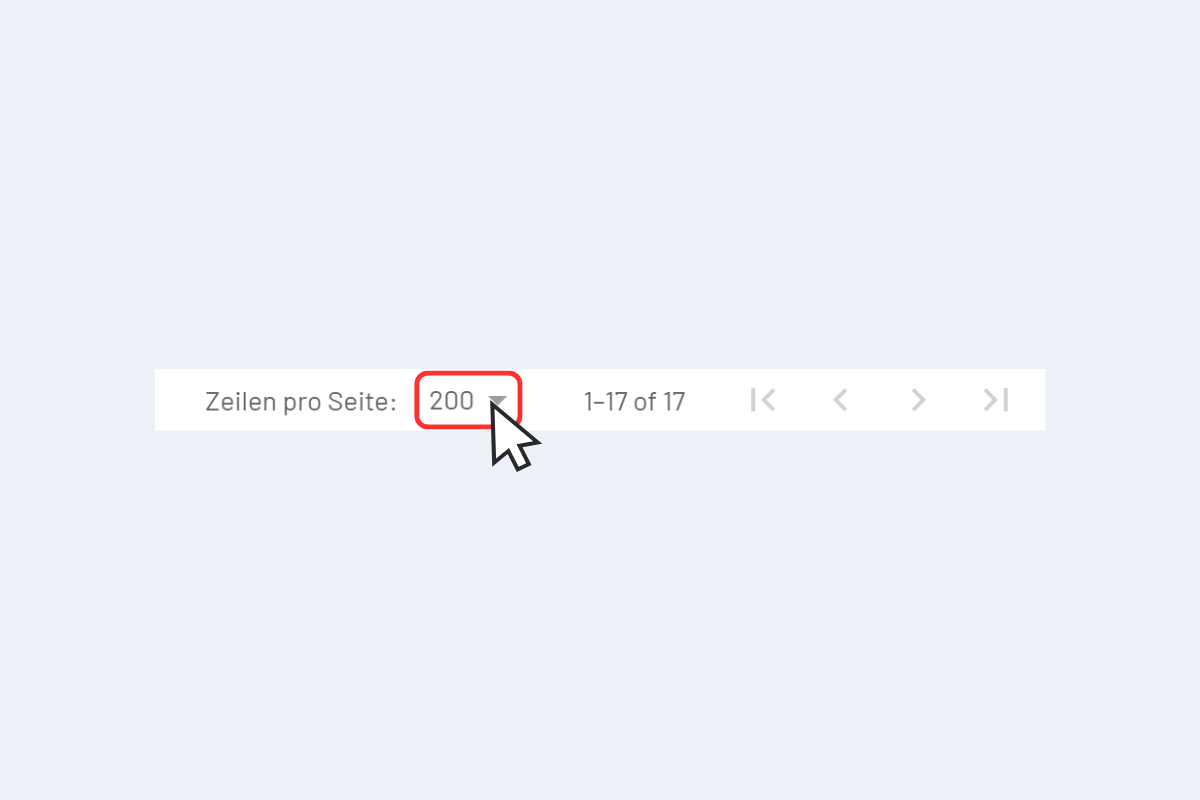
In all views, at the bottom, there is a setting for the number of rows per page. This allows you to specify how many entries are displayed simultaneously.
The more entries displayed, the longer the loading time may be.
A click on the number opens a dropdown menu with various options for selecting the number of rows per page.
- A click on the single right arrow (the inner one) switches to the next page.
- A click on the double right arrow (the outer one) jumps directly to the last page.
- The left arrows work accordingly in the opposite direction.